Tiny archives
This is my nickname for my personal collections, from a blog post I wrote in 2024 called Using static websites for tiny archives. This idea includes web bookmarks, scanned paperwork, and social media posts I’ve saved.
This topic describes how I create and manage my “tiny archives”.

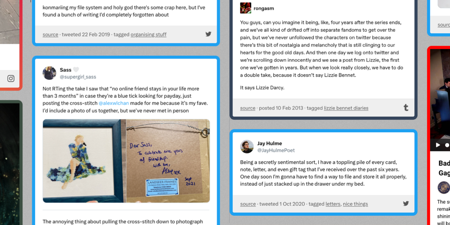

What I learnt about making websites by reading two thousand web pages
How to write thoughtful HTML, new-to-me features of CSS, and some quirks and relics I found while building my personal web archive.
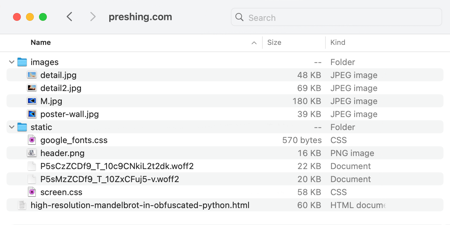
Building a personal archive of the web, the slow way
How I built a web archive by hand, the tradeoffs between manual and automated archiving, and what I learnt about preserving the web.
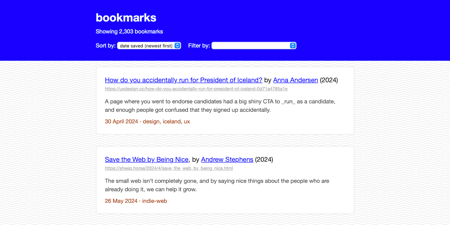
Creating a static website for all my bookmarks
To help me keep track of interesting links, I created a static website that keeps all my data locally. Why do I care about bookmarks, and how does my new site work?

How I create static websites for tiny archives
Start with a simple HTML file, then add features like templates, sorting, and filtering as they become useful.