add-cover-to-ao3-files
Add auto-generated cover images to EPUB files downloaded from AO3 (the Archive of Our Own)
Add cover images to EPUBs from AO3
This tool lets you add an auto-generated cover image to an EPUB file you’ve downloaded from AO3. This makes it easy to find your favourite fic if you’re scrolling a grid view.
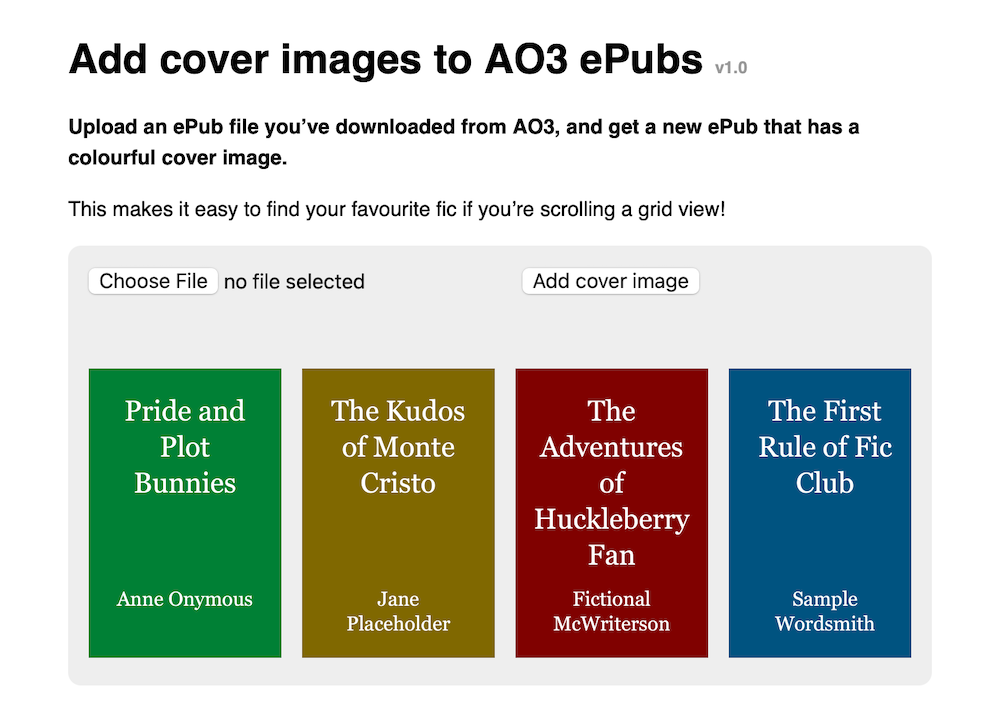
To understand the motivation behind this tool and how it works, you can read my accompanying blog post.
Development
To run tests:
- Start a local web server in this folder (e.g.
python3 -m http.server 4343) - Open the file
tests.htmlas served by that web server
This will run unit tests in the browser using QUnit. This is because the app runs in the browser, and certain things (e.g. <canvas>) are much easier to test in a real browser environment than anywhere else. You need to use an HTTP server rather than opening the file because it needs to fetch some ZIP files, and that doesn’t work over file://.
Deployment
Run the deploy.py script. This will compile the app into a single JavaScript file, then upload it to my web server.