# Add cover images to EPUBs from AO3
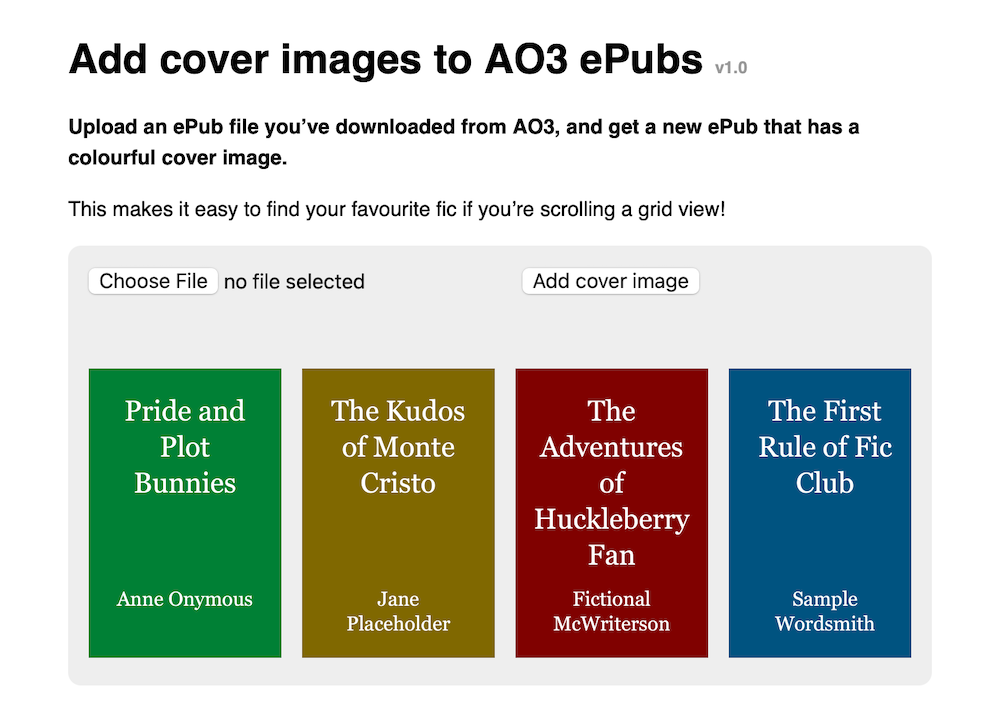
This tool lets you add an auto-generated cover image to an EPUB file you’ve downloaded from AO3.
This makes it easy to find your favourite fic if you’re scrolling a grid view.
 To understand the motivation behind this tool and how it works, you can read my [accompanying blog post](https://alexwlchan.net/2025/ao3-epub-covers/).
## Development
To run tests:
1. Start a local web server in this folder (e.g. `python3 -m http.server 4343`)
2. Open the file `tests.html` as served by that web server
This will run unit tests in the browser using QUnit.
This is because the app runs in the browser, and certain things (e.g. `
To understand the motivation behind this tool and how it works, you can read my [accompanying blog post](https://alexwlchan.net/2025/ao3-epub-covers/).
## Development
To run tests:
1. Start a local web server in this folder (e.g. `python3 -m http.server 4343`)
2. Open the file `tests.html` as served by that web server
This will run unit tests in the browser using QUnit.
This is because the app runs in the browser, and certain things (e.g. `