brightness_adjust
A command-line tool to show a selection of darker/lighter variants of a given colour
This is a command-line tool to show a selection of darker/lighter variants of a given colour.
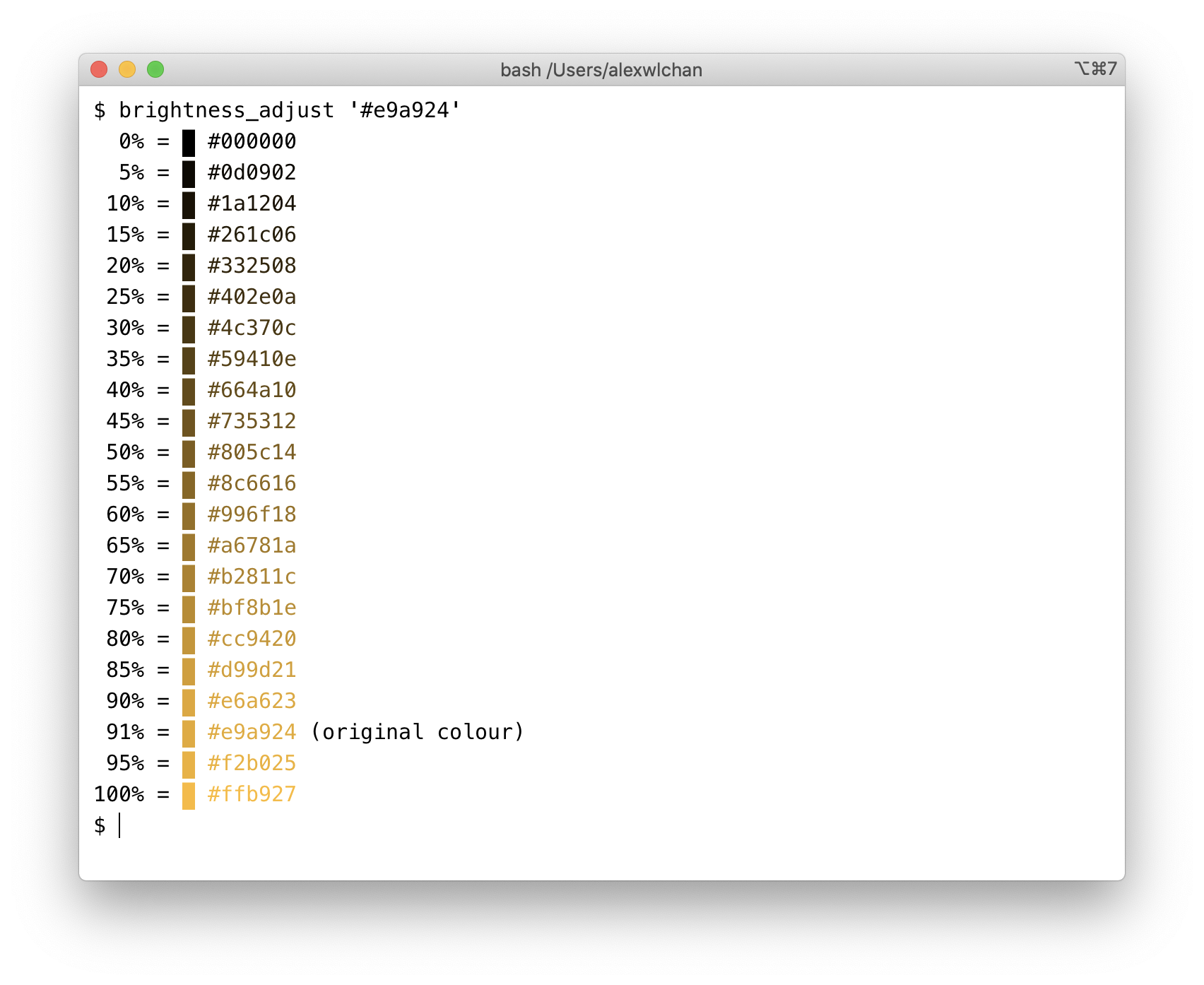
I use it when there’s a specific hue/saturation I want to use (e.g. chosen by dominant_colours), but it’s too dark or light to use in a particular context.
For example, in the screenshot above, I have a bright shade of yellow #e9a924. This is too bright to be readable against a white background – but I have a range of similar colours I can use in its place.
I could do the same thing using a graphical palette picker (e.g. I quite like HSL Color Picker), but I do the light/dark adjustment often enough that I wanted a tool for doing just that.