emptydir
Look for empty (or nearly empty) directories and delete them
This tool looks for empty directories and deletes them.
$ emptydirMore specifically, it deletes directories which are completely empty, or which only contain files/folders which I don’t think are worth keeping (e.g. .DS_Store or __pycache__).
Why not use find?
Deleting empty directories is a common problem, and there’s a suggestion on Unix Stack Exchange question:
Combining GNU find options and predicates, this command should do the job:
find . -type d -empty -delete
The reason this isn’t suitable is because it only deletes directories which are completely empty. But sometimes a directory can be non-empty, even if it appears empty.
For example, this directory on macOS:
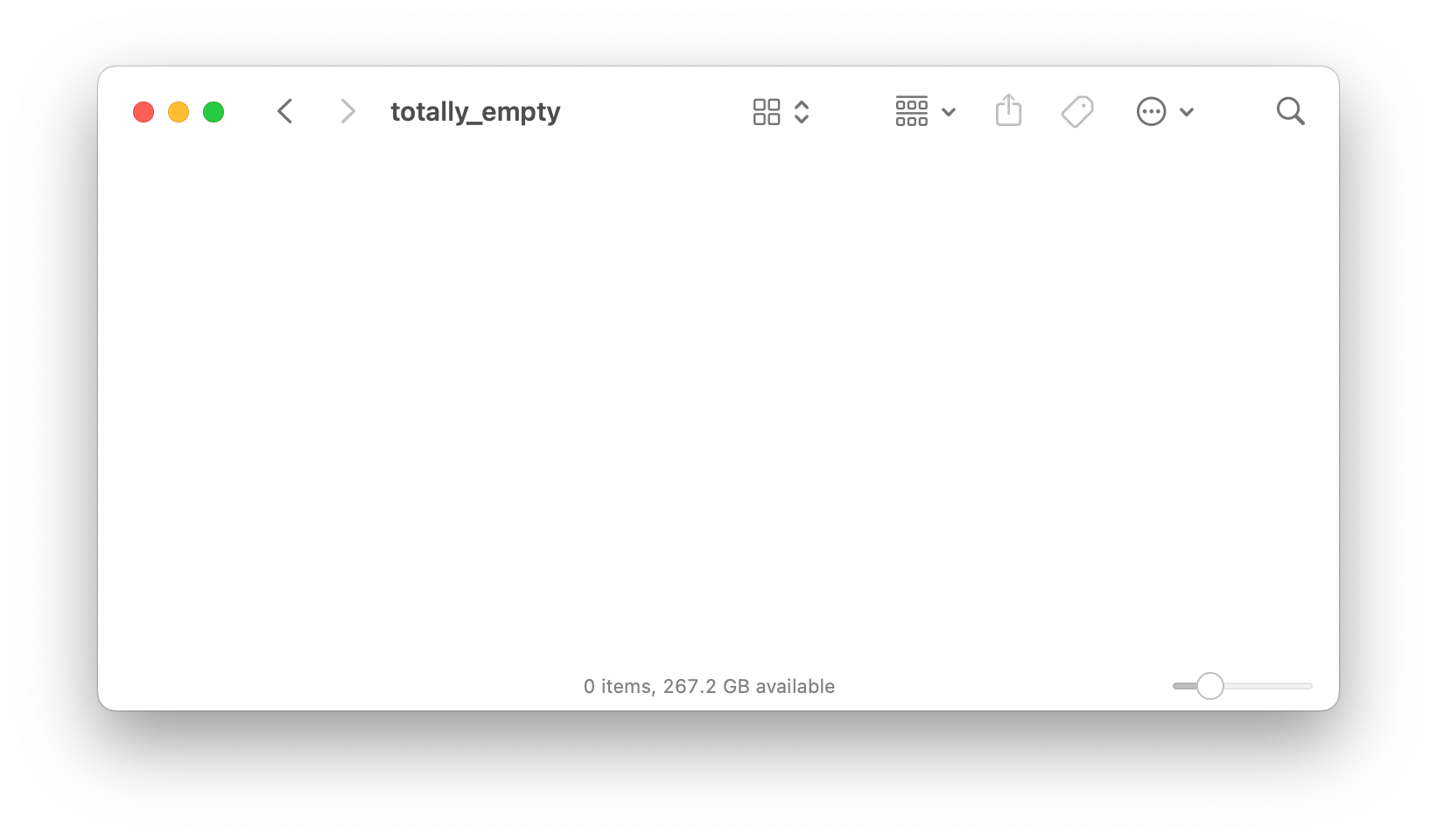
I consider this directory to be empty, but it will be skipped by find . -type d -empty -delete because of the hidden .DS_Store file.
This tool will delete directories which are empty or almost empty – that is, when they only contain files or folders which I don’t think are worth keeping, like .DS_Store or __pycache__.
Installation
You can download compiled binaries from the GitHub releases.
Alternatively, you can install from source. You need Rust installed; I recommend using Rustup. Then clone this repository and compile the code:
$ git clone "https://github.com/alexwlchan/emptydir.git"
$ cd emptydir
$ cargo install --path .
Usage
Pass the path of the top-level directory you want to clean as a command-line argument, for example:
$ emptydir ~/DesktopIt will print the path to every empty directory that it deletes:
$ mkdir -p ~/Desktop/foo/bar/baz
$ emptydir ~/Desktop/
/Users/alexwlchan/Desktop/foo/bar/baz
/Users/alexwlchan/Desktop/foo/bar
/Users/alexwlchan/Desktop/foo
3 directories deleted
If you pass no arguments, it will look for empty directories in the current directory:
$ emptydirWhich files/folders are safe to delete?
Currently the list of files/folders which I consider safe to delete is hard-coded in can_be_deleted.rs:
- .DS_Store stores some folder attributes used for showing the folder in the Finder, which I don’t need to keep
.ipynb_checkpointsis a folder used by Jupyter Notebooks, but not important if I’ve deleted the notebooks.jekyll-cacheis a cache directory used by Jekyll sites, but can be easily regenerated and will be rebuilt regularly as part of the Jekyll build process.venvis the name I use for virtual environments, which I can easily regenerate if necessary__pycache__is the bytecode cache in Python projects, which is pointless if the original Python files have been removedThumbs.dbis a file that contains thumbnails on Windows systems
If you want to change that list, you need to modify the source code and compile a new version – it’s not a configurable setting.
Note that these files will only be deleted if they are the only items in a folder. If, for example, a folder contains both .DS_Store and some text files, then nothing will be deleted.
How it works
For a detailed explanation of how this tool works, you can read my accompanying article.
License
MIT.