web-page-template
A template to use when I create new web pages, including an HTML skeleton and my default layout
This is a template I use as a starting point when I create new HTML pages.
 |  |
Features:
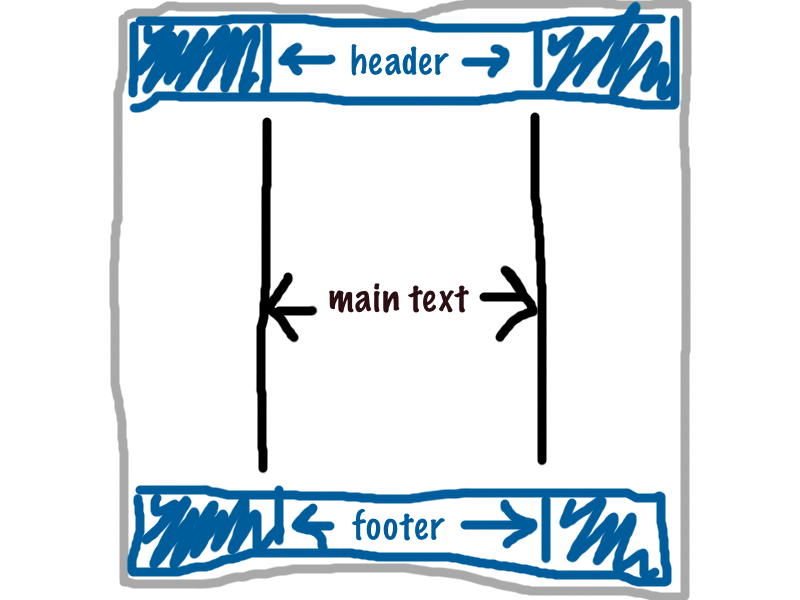
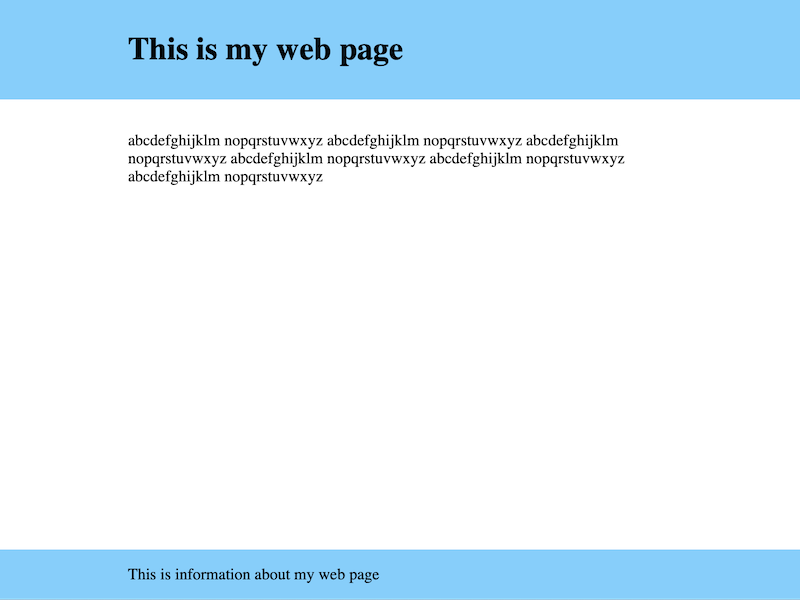
- My preferred one-column layout for content, which puts a header/footer at the top and puts the content in the middle.
- The standard
<meta>tags I want on every HTML page. - An example of how to use
<script>and<link>tags to load external files (because I always forget the exact syntax)
Usage
Copy the contents of TEMPLATE.html into a new HTML file.
I have a text expansion snippet in Alfred that inserts this template: when I type !html, I get this HTML template.
Motivation
This layout isn’t perfect, but it’s pretty good and covers a wide variety of use cases. I prefer it to the default browser styles you get in a completely new HTML file.
I used to copy the HTML and CSS from project-to-project, but it was difficult to know what was part of my basic layout, and what was project-specific. I also had no canonical definition of this basic layout, and I didn’t apply fixes and improvements consistently.
Creating a single template gives me something a canonical version that’s easier to copy/paste. It’s also allowed me to look at this template more carefully, and make sure I’m following best practices.
Useful reading
- The Surprising Truth About Pixels and Accessibility, by Josh Comeau (2023). This helped me understand the difference between pixels and ems/rems for measurements, and when to use which.